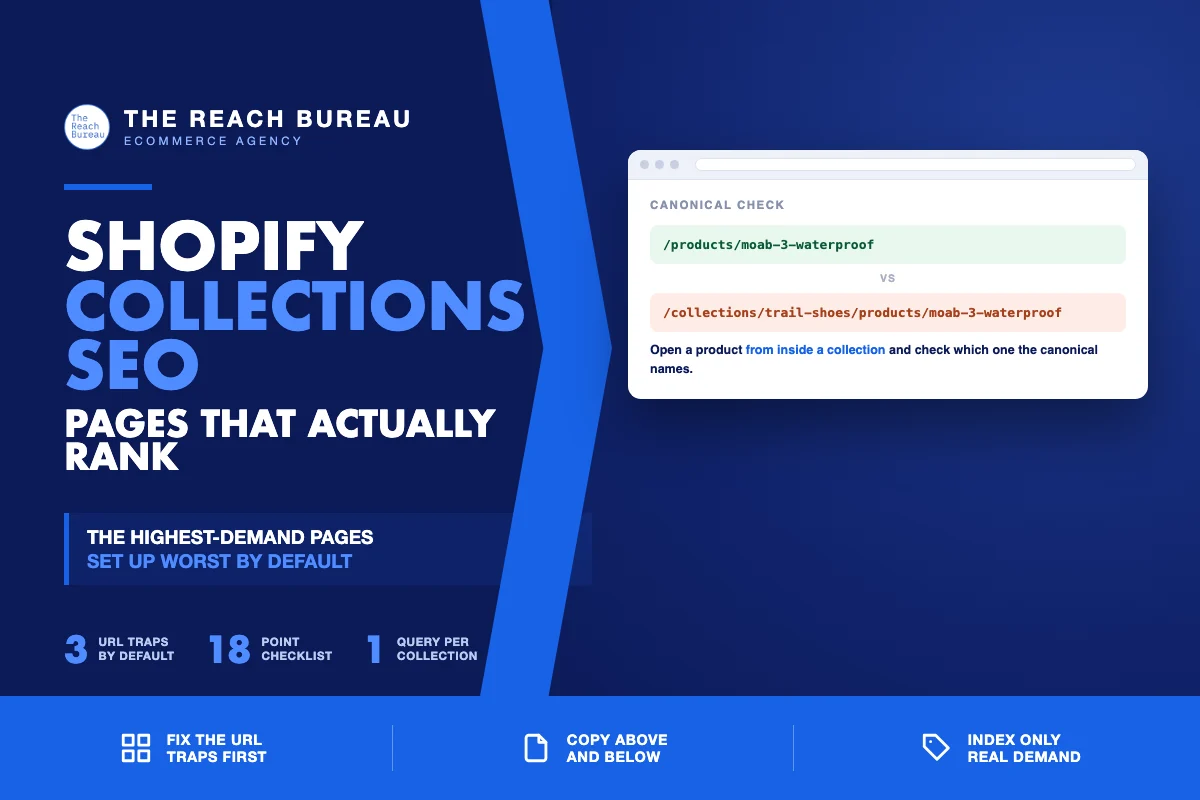
Collections are the highest-demand pages on a Shopify store and the ones the platform sets up worst by default.
The demand is obvious once you look at how people search. Almost nobody types a product name until they already know it exists. They type the category — "merino base layers," "waterproof trail shoes," "linen bedding" — and that is a collection query. The store that answers it captures the shopper before any product page gets a chance.
The default setup fights this. Shopify generates collection URLs in more than one form, produces a tag page for every tag you have ever used, ships collections with no copy at all, and puts whatever text you do add in a place nobody reads. None of it is difficult to fix. It is just invisible until someone looks.
The URL traps, in order of damage
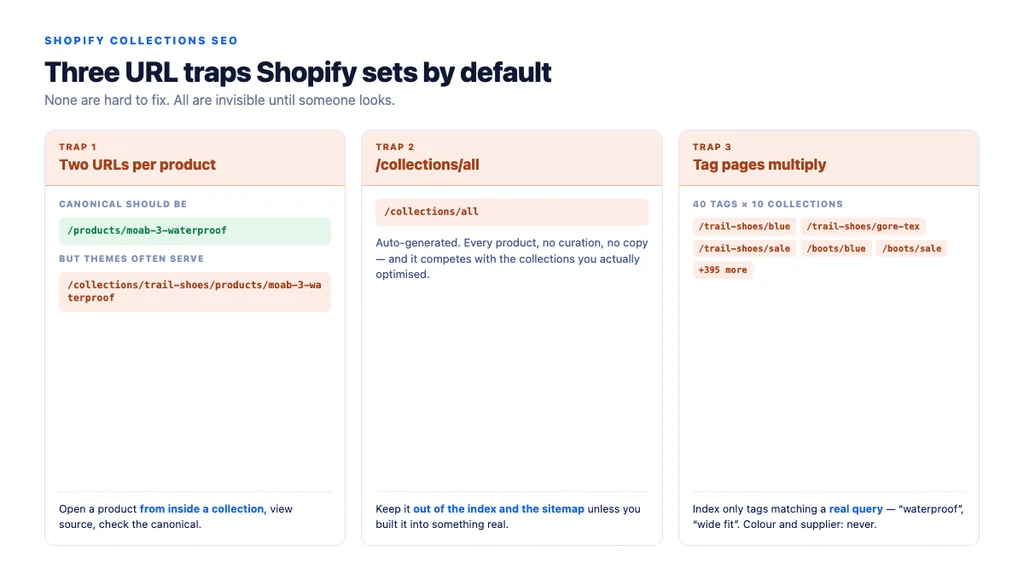
Every product is reachable at two URLs
Shopify serves products at both /products/handle and /collections/collection-handle/products/handle. The second form appears whenever a shopper navigates in from a collection. Themes have handled this correctly for years by canonicalising to /products/handle, but customised and older themes routinely break it.
Check it directly. Open a product from inside a collection, view source, and confirm the canonical points at /products/handle. If it points at the collection-scoped URL, every product in your catalog exists in as many versions as the collections it sits in.
/collections/all competes with your real collections
Shopify creates /collections/all automatically — every product, no curation, no copy. It frequently ends up indexed, where it competes with the curated collections you actually optimised and offers a shopper nothing.
Unless you have deliberately built it into something useful, keep it out of the index and out of your sitemap.
Tag pages multiply quietly
Every tag generates /collections/handle/tag. A store with forty tags across ten collections has four hundred potential URLs, nearly all thin, most near-duplicates of each other.
The rule is the same one that governs filters anywhere: index the handful with genuine search demand, and only those.
Which collections deserve to be indexed
Not all of them, and this is the decision most stores never consciously make.
| Collection type | Handling |
|---|---|
| Core category with real search demand | Index. Full copy, internal links, its own title. |
| Seasonal or campaign (Black Friday, SS26) | Index while live; keep the URL alive afterwards rather than deleting it |
| Automated collection driven by a rule you trust | Index if the resulting set is coherent |
| Tag page matching a real query ("waterproof") | Index, with unique title and a line of unique copy |
| Tag page with no demand (colour, supplier) | Keep out of the index, out of the sitemap, out of navigation |
/collections/all | Keep out of the index |
| Sorted or multi-filter combinations | Canonical to the parent collection |
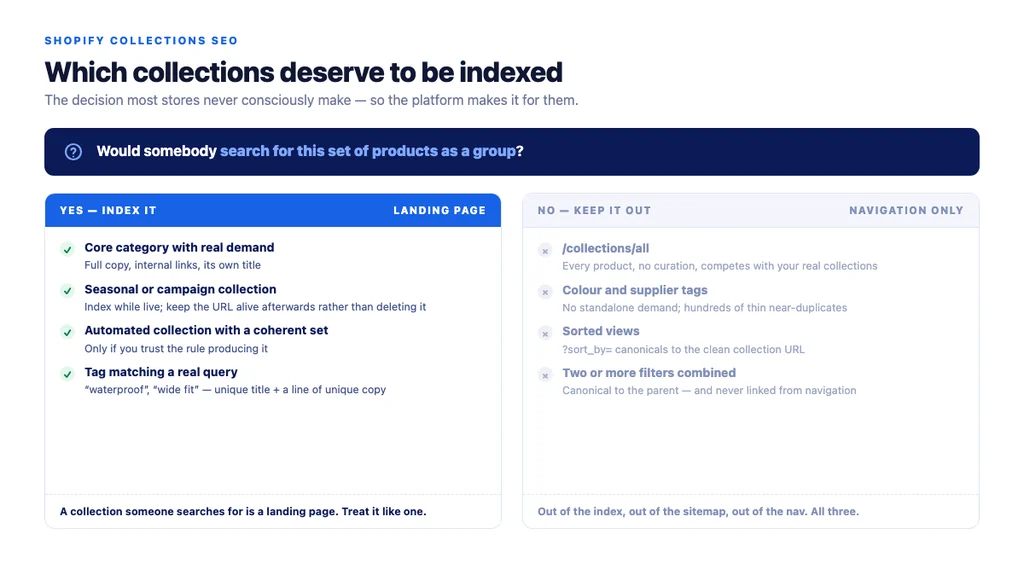
The test is simple: would somebody search for this set of products as a group? If not, it is a navigation convenience, not a landing page.
Where the copy goes on a collection page
Shopify's collection description field renders in one place in most themes — usually above the grid, sometimes below, occasionally both. The instinct is to fill it with keyword text. That satisfies nobody.
Above the grid, two or three sentences. What is in this collection, who it is for, and how the range breaks down. This is the text a shopper actually reads and the text that tells a search engine what the page covers.
Below the grid, the depth. Buying considerations, how to choose between the sub-types you stock, sizing notes that apply across the range, and a short FAQ. Most themes need a small change to support a second content area, and it is worth doing — the shopper who scrolled the entire grid without buying is exactly the one who needs this.
What to cut. Any paragraph repeating the collection name five times. Any text that would read identically on a competitor's store. Any block written to hit a word count.
Google's guidance on creating helpful, reliable, people-first content sets the test: does someone leave able to make a decision? On a collection page the decision is narrower — which sub-type, which filter, which two or three products to compare — but it is still a decision.
Titles, handles and the details that get skipped
- Collection title tag: lead with the category as people search it, not with the store name. "Waterproof Trail Running Shoes | Store" beats "Store | Collections."
- Handle: short and readable. Shopify keeps the original handle when you rename a collection, so a collection renamed three times may still sit at
/collections/summer-sale-2023. Fix the handle and redirect the old one using Shopify's URL redirect tool. - One H1, matching the collection name.
- Image alt text on collection banners describing the category, not "banner-final-v3.jpg".
- Meta description written per collection for the ones that matter; a template is acceptable for the tail.
Pagination, sorting and filters
- Paginated pages should be indexable and self-canonical. Canonicalising page 2 to page 1 hides everything past the first screen from discovery.
- Sort parameters (
?sort_by=) should canonical to the clean collection URL. - Filter combinations should canonical to the parent, stay out of the sitemap, and — importantly — not be linked from navigation. If crawlers can reach them through links, they will, whatever the canonical says.
- Keep the first row of product images out of lazy loading. Collection pages load many images at once, which makes them the pages most likely to fail Core Web Vitals, and the first row is usually the Largest Contentful Paint element.
Internal linking around collections
This is where most of the available authority on a Shopify store sits unused.
- Link down from the collection copy to the two or three products that best represent the range, using product names as anchors rather than "shop now".
- Link across to sibling collections where a shopper might reasonably switch.
- Link up from every product page to its collection, with the collection name as the anchor. Shopify themes rarely do this by default, and it is the cheapest signal available.
- Link in from any buying guide that ranks for the research query — the guide should point at the collection, not only at individual products.
Structured data belongs to the products
Product rich results support pages focused on a single product or its variants, per Google's Product structured data documentation. A collection page is not eligible, and marking one up as a product is a misuse rather than a shortcut.
What a collection page can legitimately carry is BreadcrumbList — genuinely useful, and most Shopify themes either omit it or emit it incorrectly. Check the output rather than trusting the theme.
If you are on WooCommerce rather than Shopify, the same principles apply with different vocabulary: product categories instead of collections, and attribute archives instead of tag pages. The URL traps differ; the decisions do not.
The checklist
- Product canonicals point at
/products/handle, not the collection-scoped URL /collections/allkept out of the index and sitemap- Tag pages audited; only demand-backed ones indexed
- Every indexed collection has a reason to exist as a landing page
- Two or three orienting sentences above the grid
- Buying depth and FAQ below the grid
- Copy that would not read identically on a competitor's store
- Title leads with the category, not the store name
- Handle short, readable, and redirected if renamed
- One H1 matching the collection
- Descriptive alt text on collection imagery
- Paginated pages indexable and self-canonical
- Sort and filter parameters canonicalised to the parent
- Non-indexed combinations not linked from navigation
- First row of product images not lazy-loaded
- Collection copy links down to key products
- Product pages link up with the collection name as anchor
BreadcrumbListpresent and valid; no product markup on the collection
Sources
- Creating Helpful, Reliable, People-First Content — Google Search Central
- Intro to Product Structured Data on Google — Google Search Central
- SEO Best Practices for Ecommerce Sites — Google Search Central
- Ecommerce Product Data and Content on Google — Google Search Central
- Google Search Essentials — Google Search Central
FAQs
Want this run against your store? Book a call with The Reach Bureau.