Why Your Meta Ads Stopped Working (and What to Test First)
July 25, 2026
3 min read
by Max Tymoshyn
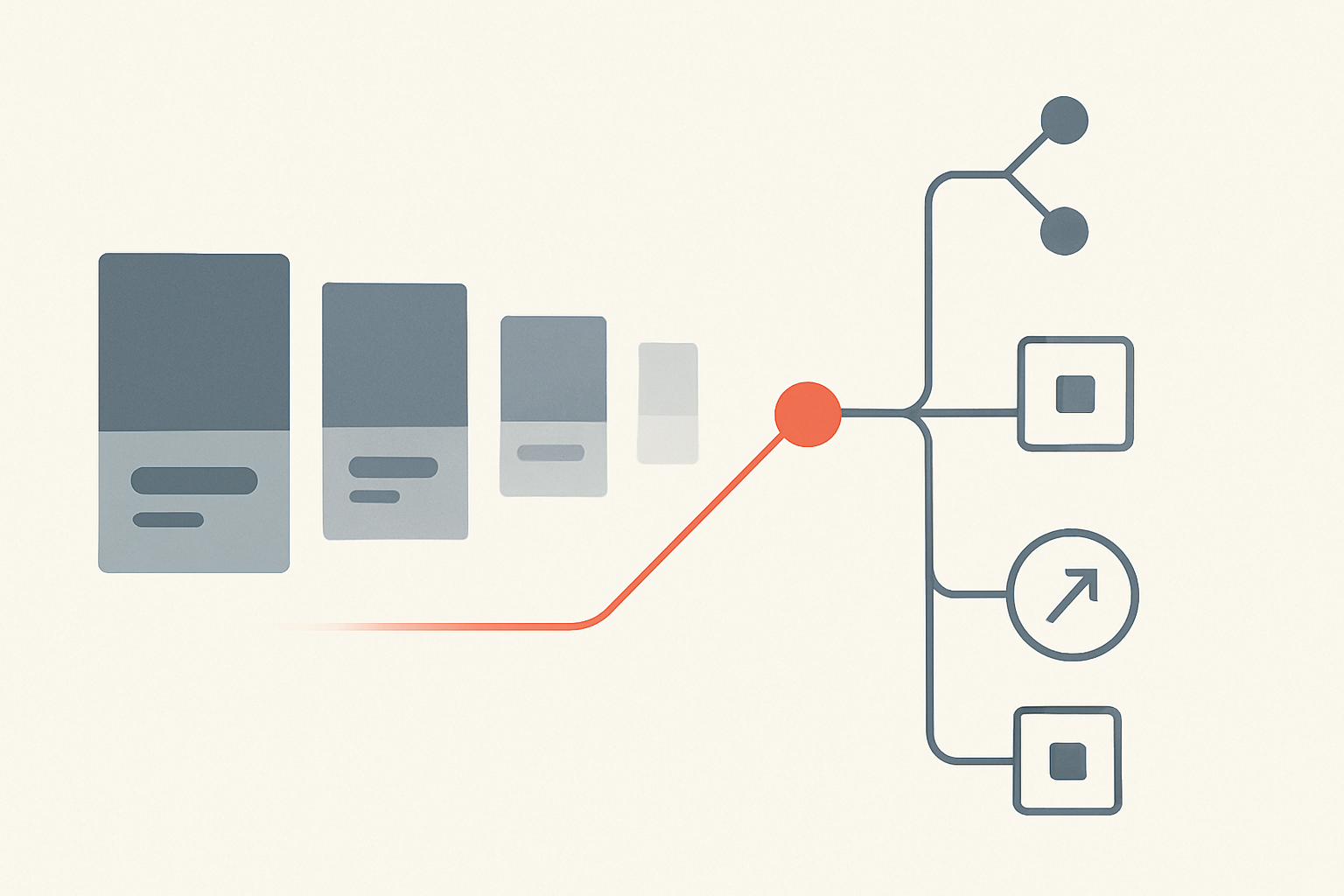
Your Meta ads stopped working, and the dashboard offers no obvious reason. Same campaigns, same budget, suddenly half the return. Before you blow up the account, understand this: a performance drop almost always traces to one of four causes, and the order you test them in decides how fast you recover. Panic-editing every setting at once just resets the learning phase and makes the hole deeper.
First, rule out tracking — not the ads
The most common reason Meta ads “stop working” is that they’re working fine — you just can’t see it. Since Apple’s App Tracking Transparency rollout, a large share of conversions go unattributed. Check your actual store revenue against what Meta claims. If your Shopify or WooCommerce numbers look healthier than the dashboard, you have a measurement problem, not a performance problem. The fix is the Conversions API, which sends events server-side and recovers signal the browser pixel loses.
The four real causes, and what to test first
| Symptom | Likely cause | What to test first |
|---|---|---|
| CTR falling, frequency rising above ~2–3 | Creative fatigue | Launch 3–5 fresh creatives with new hooks and formats |
| Conversions drop but site sales steady | Signal loss / attribution gap (iOS, opt-outs) | Set up the Conversions API; compare to real revenue |
| Rising CPMs, shrinking reach | Audience saturation or seasonal pressure | Expand or refresh audiences; test broad targeting |
| Volatile results after edits | Learning phase reset | Stop editing; consolidate budget; let it re-stabilize |
| Sudden total stall | Policy flag, billing, or pixel break | Check account quality, billing, and pixel firing |
Creative fatigue is usually the culprit
When frequency climbs and CTR slides, your audience is tired of the ad. Launch several genuinely different creatives — new angles, formats, and hooks, not just a recolored button — and let the winners emerge.
Stop resetting the learning phase
Every significant edit pushes a campaign back into the learning phase, where performance is unstable and costs higher. Meta needs roughly 50 conversions per ad set per week to exit learning. Make one change, then wait for the data.
Test like a scientist, not a gambler
Change one variable. Give it at least a week and enough conversions to be statistically real. Document what you changed and what happened. The brands that recover fastest aren’t the ones who work hardest in the dashboard — they’re the ones who resist the urge to fiddle and let clean tests tell them the truth. If you’ve verified tracking, refreshed creative, and still can’t stabilize, the problem is usually structural — account architecture, offer, or landing page.
Frequently Asked Questions
If your Meta ads stopped working and the usual fixes haven’t held, we audit ecommerce ad accounts end to end. Book a call with The Reach Bureau and we’ll find what’s actually broken.
Ready to scale your e-commerce?
Let's discuss your project and how we can help you achieve your growth goals.