Google Shopping Optimization: 7 Levers Most Brands Ignore
July 19, 2026
3 min read
by Max Tymoshyn
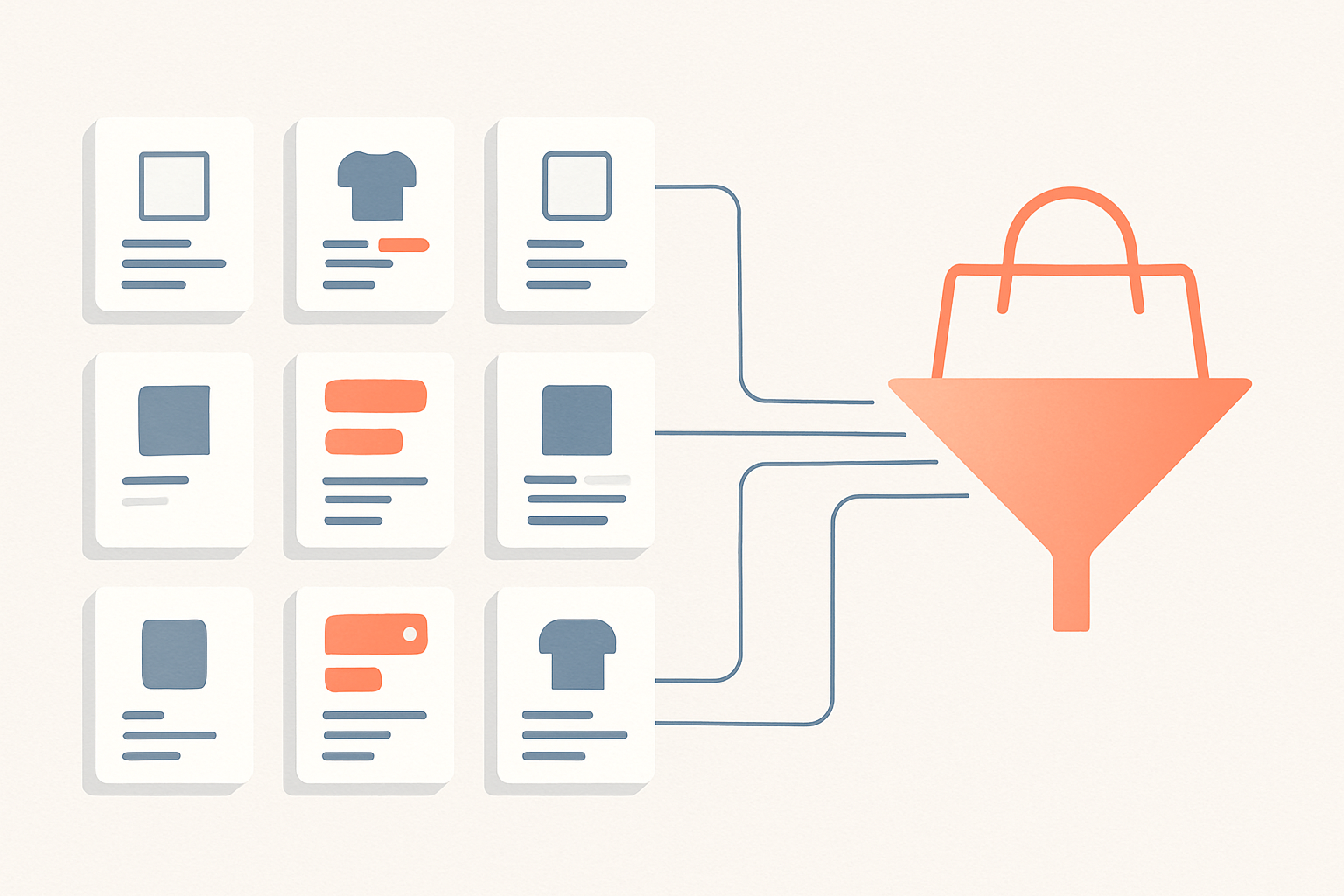
Most ecommerce brands treat Google Shopping like a slot machine: pour in budget, pull the bid lever, hope for a better return. But the auction is downstream of your product feed, and the feed is where the real wins hide. Google Shopping optimization is mostly data work, not bid work — and the brands that understand that quietly outrank competitors spending twice as much.
Why the feed beats the bid
Shopping ads don’t use keywords. You don’t tell Google which searches to show your product for — Google decides, by reading your product feed and matching its attributes to a query. That means your title, type, and attributes are your targeting. A bid increase on a poorly structured feed just means you pay more to show up for the wrong searches. Fix the data first.
The 7 levers most brands ignore
| Lever | Why it’s ignored | The fix / impact |
|---|---|---|
| 1. Product titles | Teams reuse the on-site name and never touch it | Front-load brand, product type, and attributes in the first 70 chars — highest-impact change in the feed |
| 2. Google product category | Left to auto-assignment, often wrong | Manually set the most specific category |
| 3. GTINs | Seen as optional busywork | Add correct GTINs to qualify for more placements |
| 4. Product type | Confused with Google category; left blank | Use your own granular taxonomy for campaign structure |
| 5. Image quality | “It’s fine” — until CTR says otherwise | Clean, high-res images, no promo overlays (policy) |
| 6. Custom labels | Most accounts never create them | Tag by margin, season, bestseller to bid by profitability |
| 7. Negative keywords | Assumed impossible on Shopping | Add negatives to block irrelevant queries and stop waste |
Titles do the targeting
Your product title is the single biggest lever. Google weighs it heavily when matching queries, and only the first ~70 characters reliably show. Lead with the attributes shoppers search: brand, product type, then size, color, material. “Patagonia Men’s Down Sweater Jacket — Black, Large” beats “Down Sweater” every time.
Two different “category” fields
Google product category is a fixed taxonomy you set to the most specific option; product type is your free-text taxonomy, gold for organizing campaigns and bid strategy. And custom labels let you bid by margin tier — without them, you overspend on the products that make you the least money.
The order to actually do this
- Fix titles on your top 20% of products by revenue.
- Correct categories and add GTINs to clear disapprovals.
- Build out product type as a clean taxonomy.
- Add custom labels for margin and bestseller tiers.
- Layer in negative keywords via search term reports.
On WooCommerce, the Google Listings & Ads extension keeps attributes synced; on Shopify, the Google & YouTube channel does the same. The attributes are what matter — the plugin is just plumbing. Once the feed is clean, judge by profit, not ROAS alone. Strong Google Shopping optimization is a quarterly feed review tied to real profitability.
Frequently Asked Questions
If your Shopping campaigns are stuck and you suspect the feed, we audit ecommerce product feeds and rebuild them for profitability. Book a call with The Reach Bureau.
Ready to scale your e-commerce?
Let's discuss your project and how we can help you achieve your growth goals.